Channels: Wolfram Presenter Tools
10 videos match your search.
 |
|
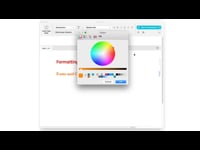 |
Change the font or color of individual elements, or update named styles for your entire notebook.
|
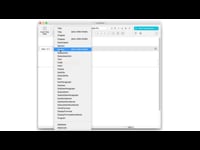 |
Use the toolbar to change styles for individual elements.
|
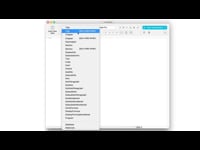 |
Open the PresenterTools Style Palette to adjust styles while in presentation mode.
|
 |
Use the toolbar to make the font larger or smaller for individual elements.
|
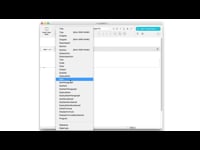 |
Automatically insert slide breaks using Title, Chapter, and Section styles.
|
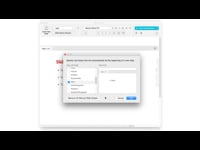 |
Select which styles will insert automatic slide breaks using the Slide Break Defaults dialog.
|
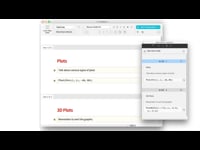 |
Use the SideNote and SideCode styles for inline notes that are only visible during preparation. While presenting, you can view notes and insert code using the Side Notes window. |
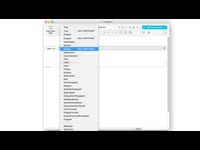 |
Display a tiled outline of your presentation for quick viewing and browsing.
|
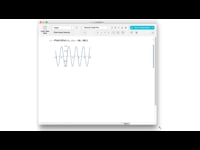 |
Choose whether to lock individual image sizes or scale them with the presentation window.
|
