
Wolfram Notebooks combine text, literate programming, graphics and custom interactive elements into the ultimate environment for data science, modeling, research and education. Computational notebooks can be deployed to any desktop, tablet or web browser.
Wolfram pioneered the computational notebook paradigm and has led innovation on the concept for more than three decades. With human-readable code and the AI Assistant for faster, easier programming, Wolfram Notebooks offer effective technical communication in one convenient and portable package.
How Wolfram Notebooks Work
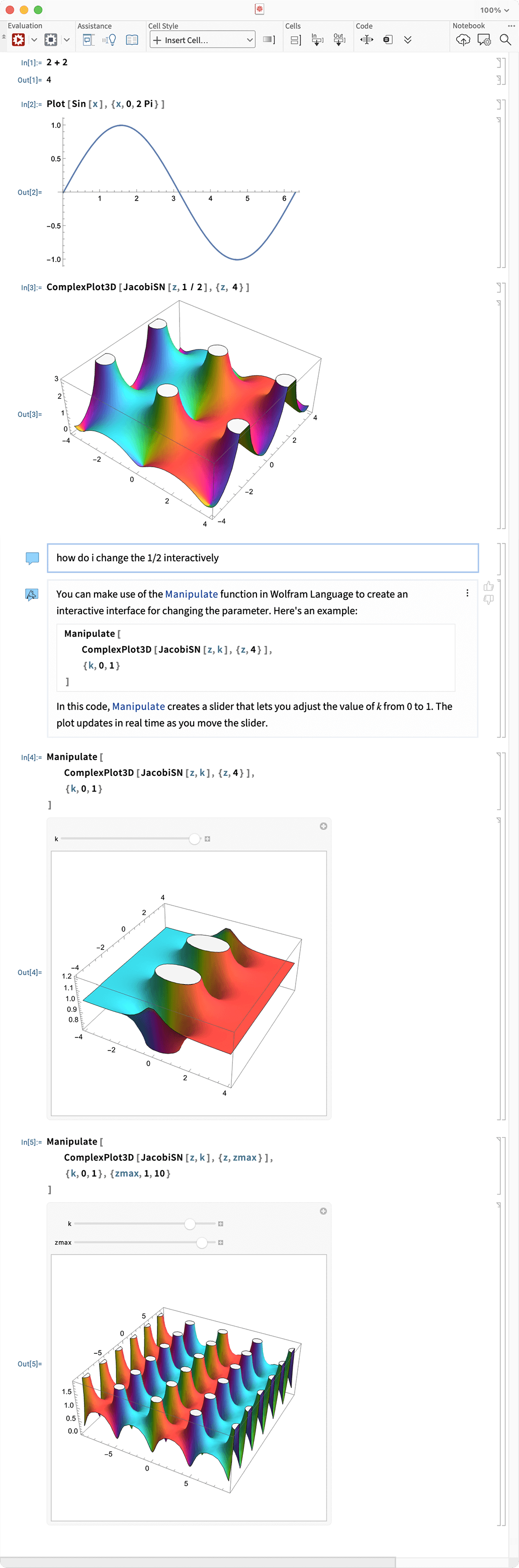
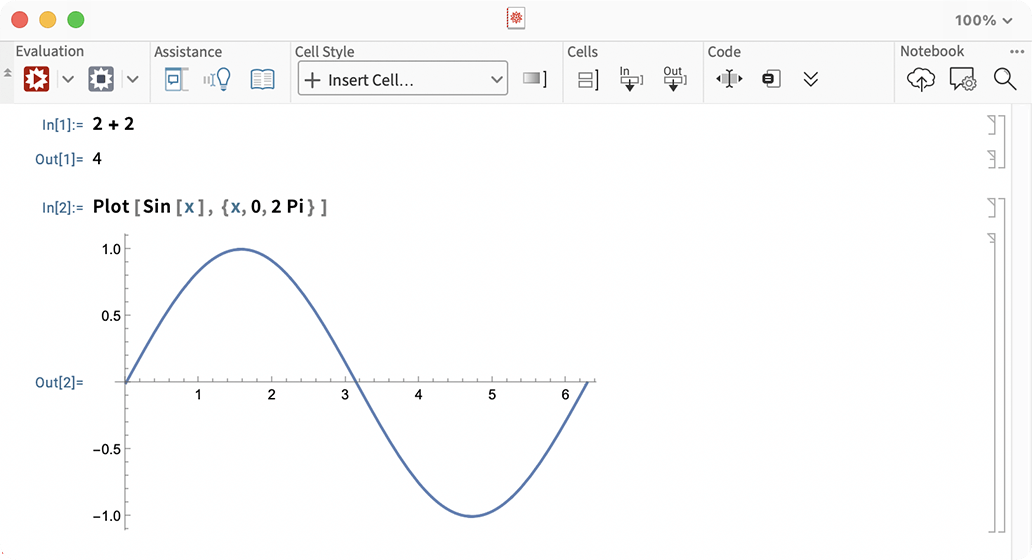
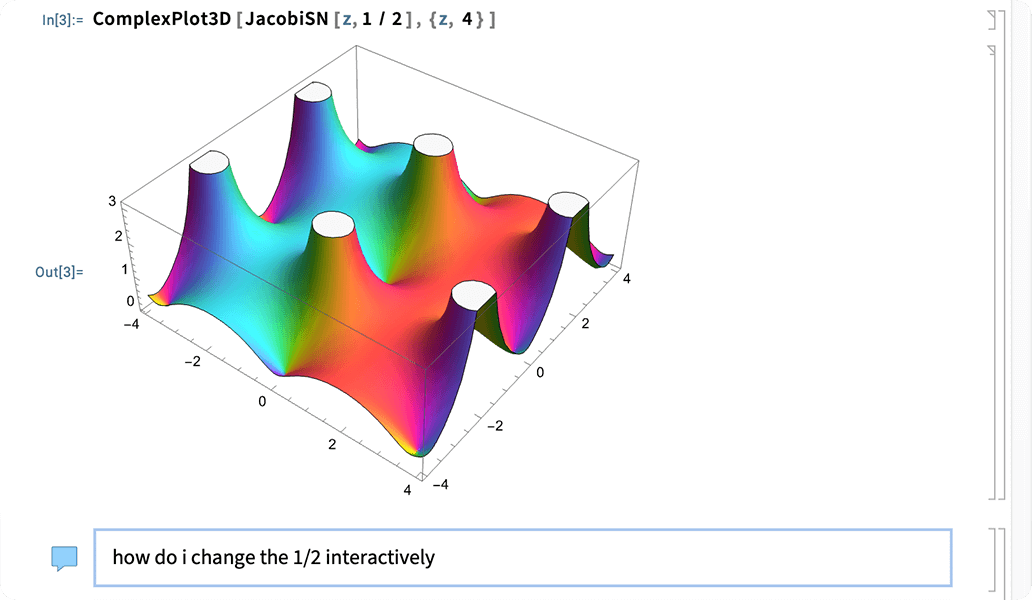
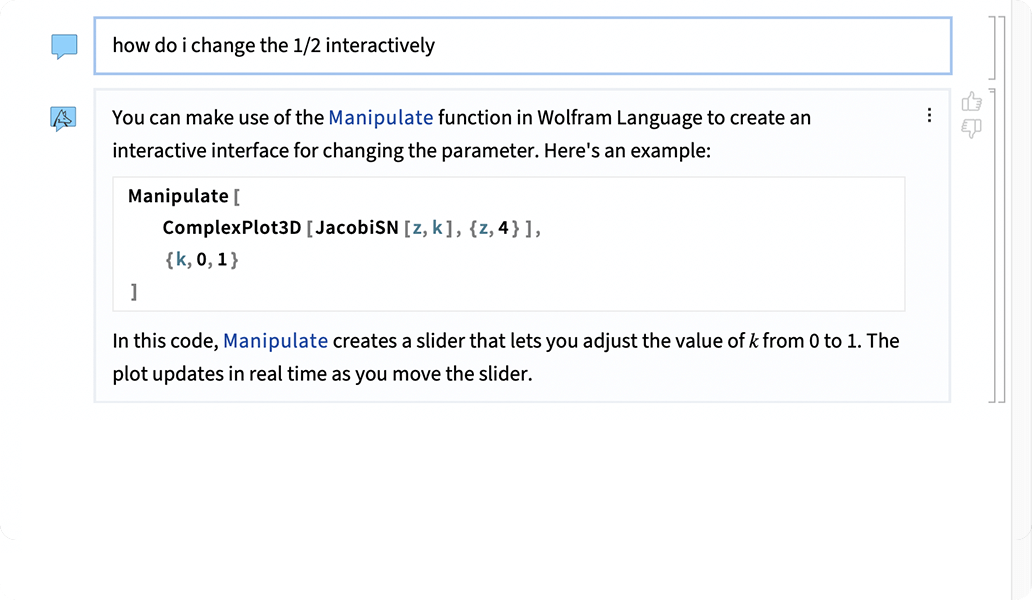
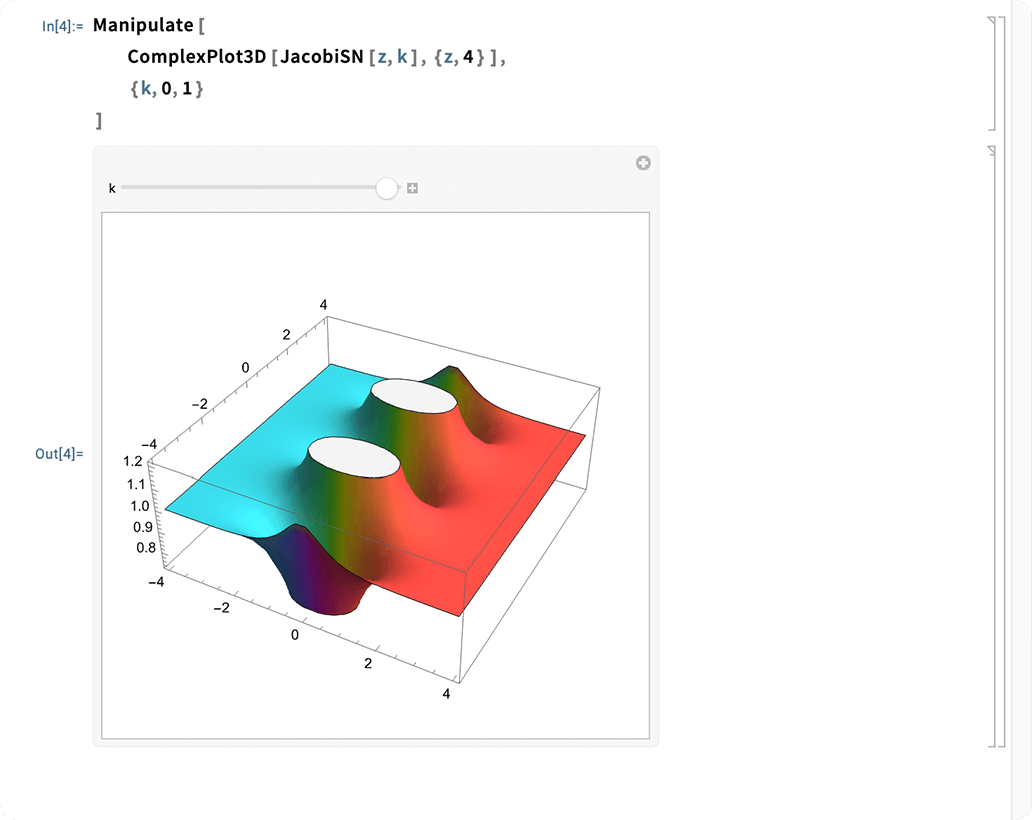
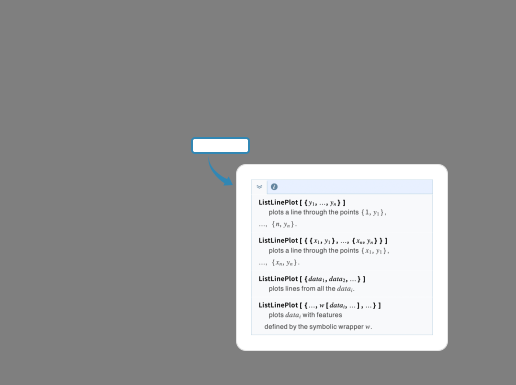
Generate results right away with interactive coding in Wolfram Language—no programming experience required. Our AI Assistant provides immediate results and code you can edit and reuse.
Features of Wolfram Notebooks
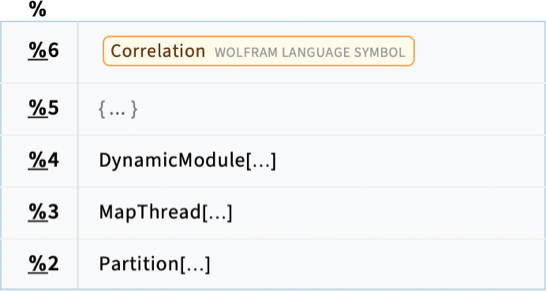
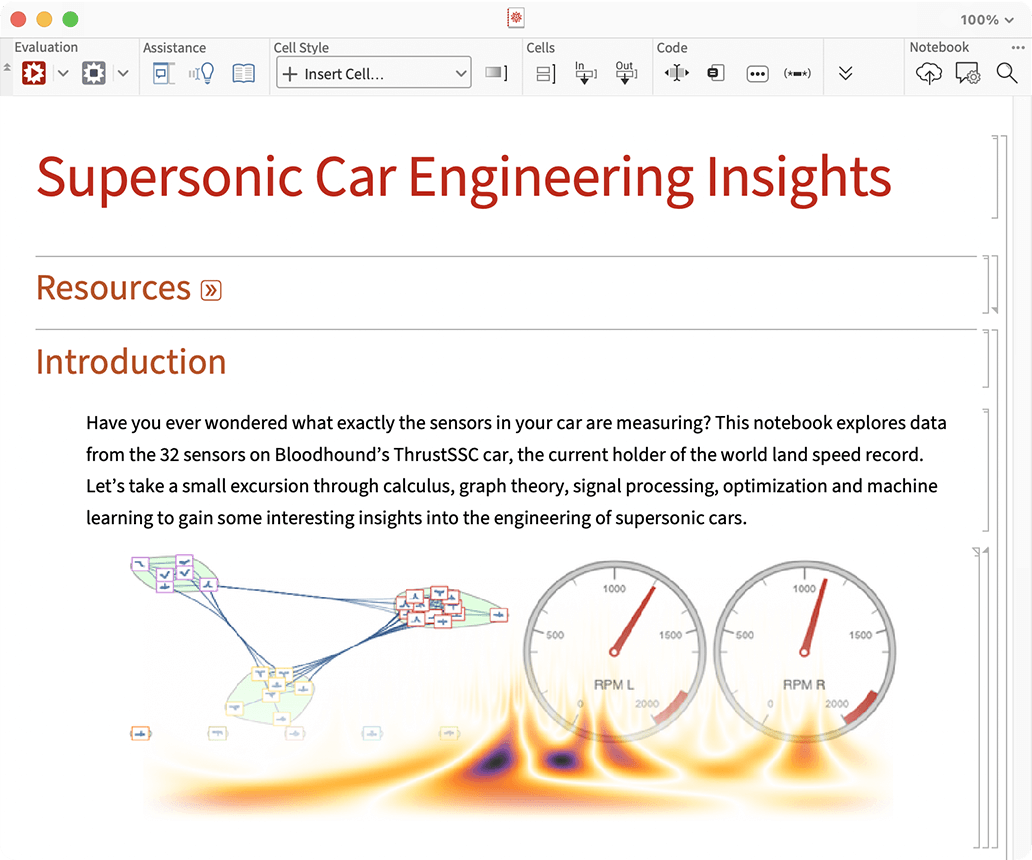
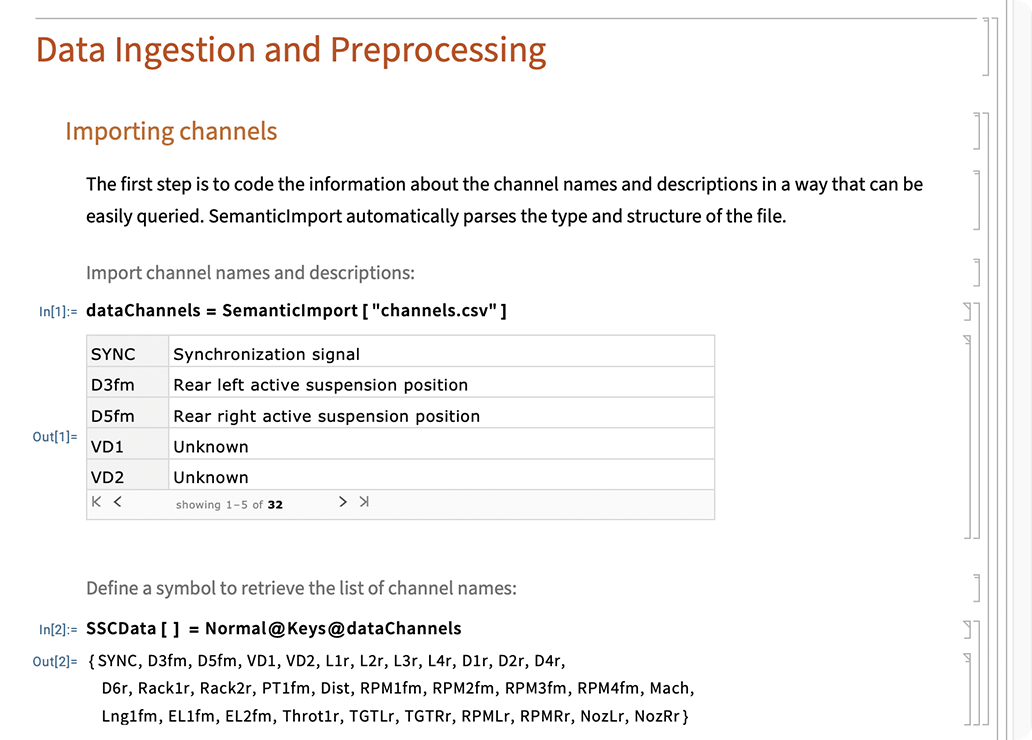
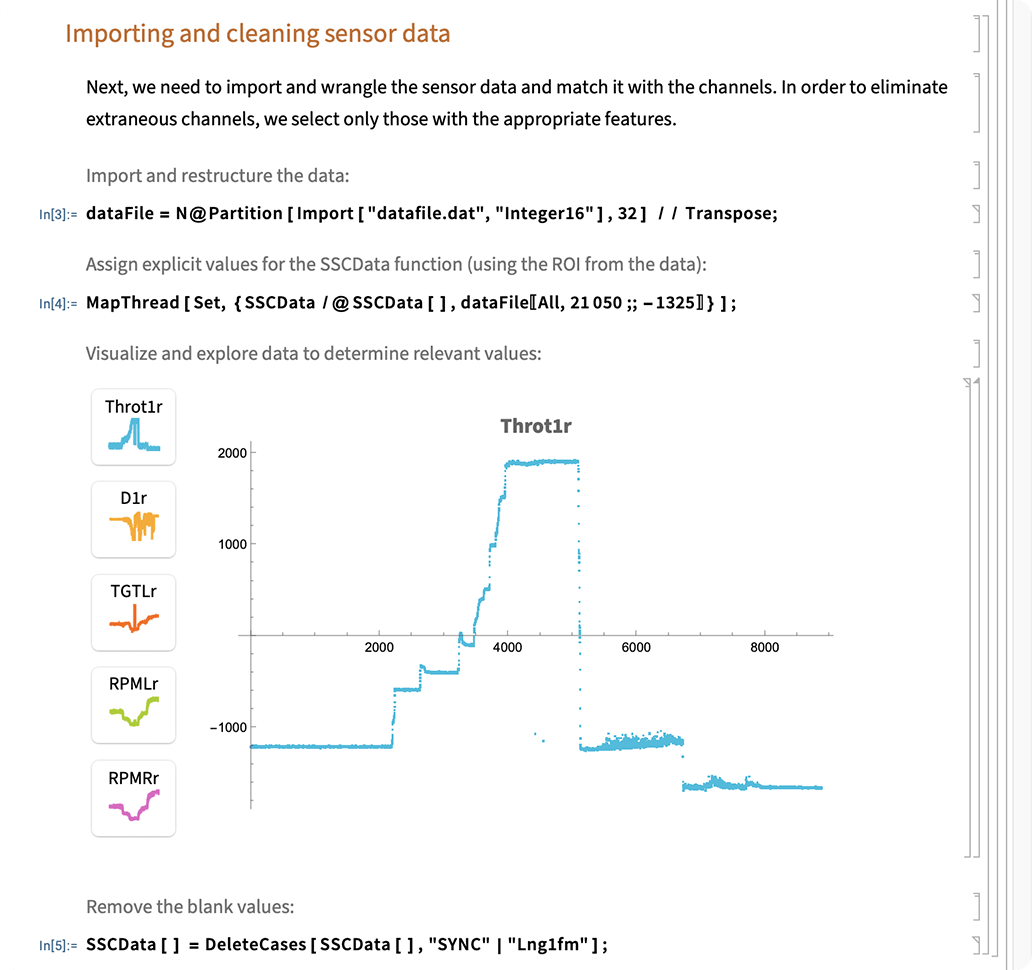
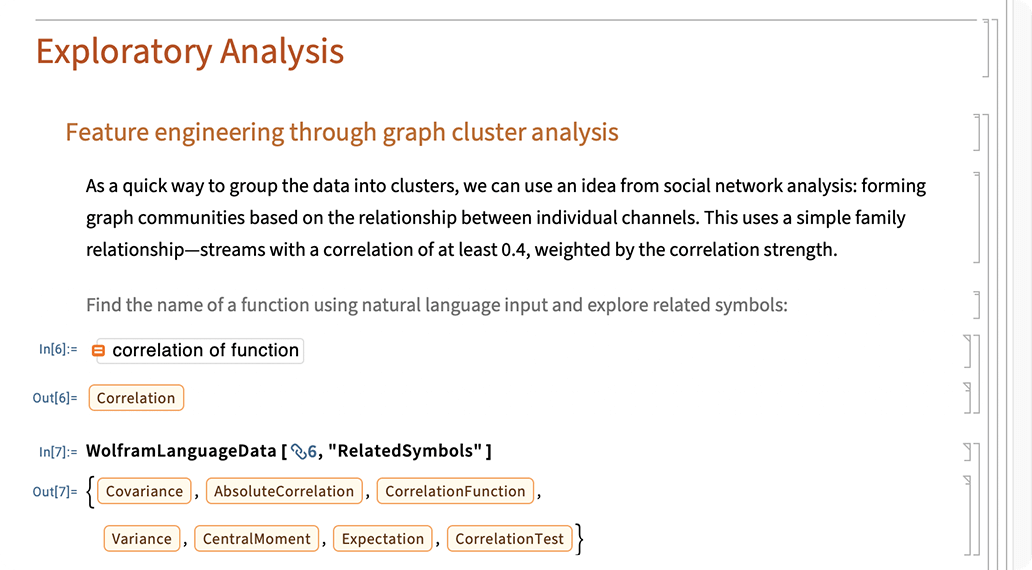
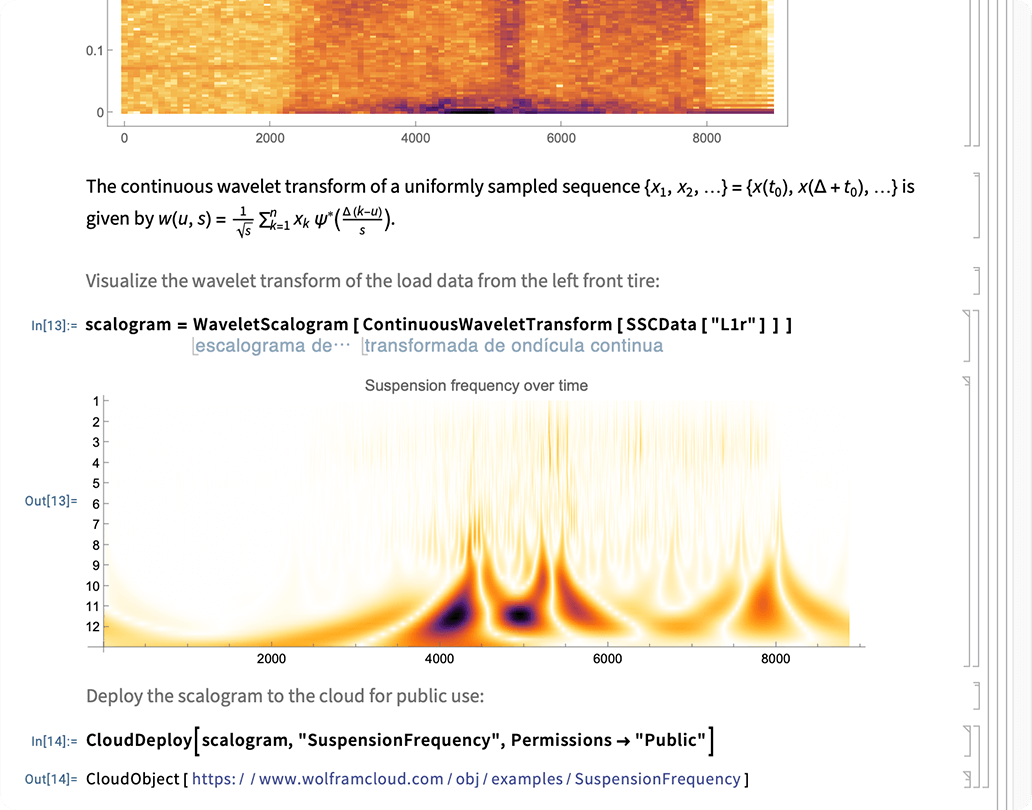
Mix text, graphics, interfaces and other elements with live code on the web, your desktop or mobile devices.


















Why Wolfram Notebooks

Fully integrated ecosystem
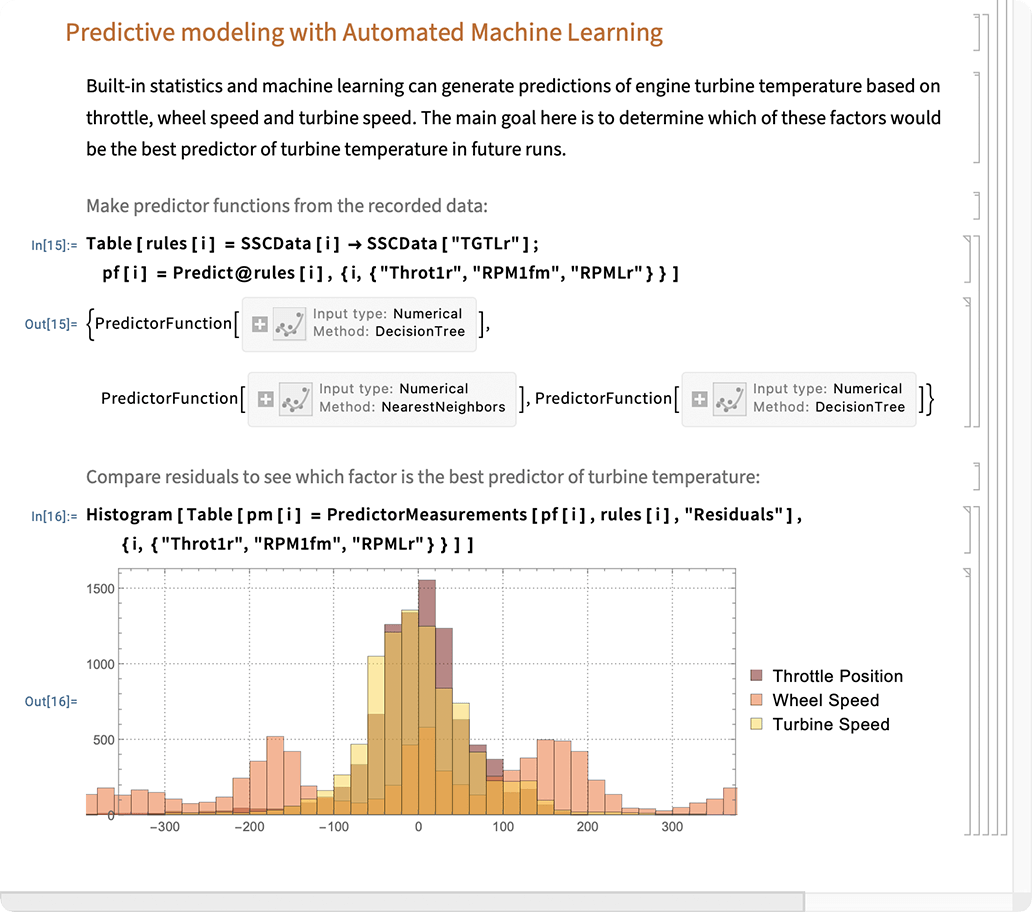
Wolfram Notebooks are created and manipulated using Wolfram Language, which includes built-in connections to the Wolfram Knowledgebase, the Wolfram Cloud and other Wolfram technologies for a seamless experience.
Everything is computable
All Wolfram Notebook content—text, images, code, even the notebook itself—can be made part of a computation within our flexible, coherent data framework, providing a unified platform for interface creation, history tracking, document generation and low-level customizations.
Interactive development tools
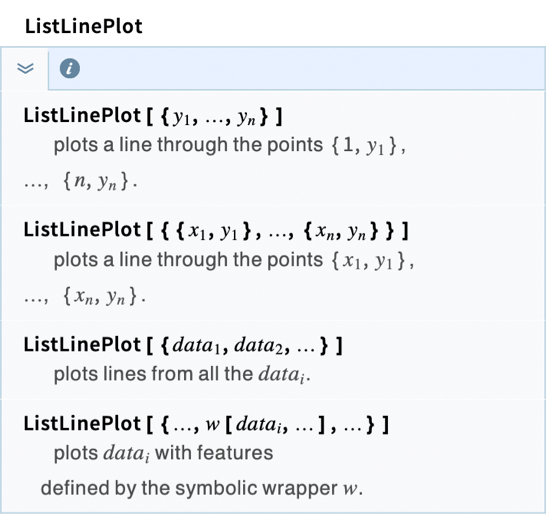
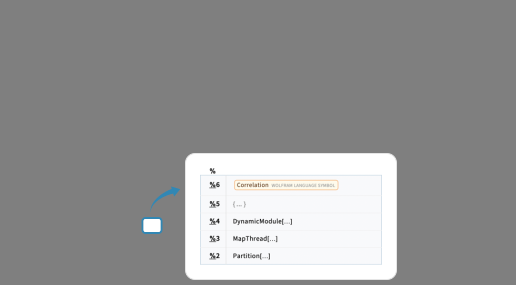
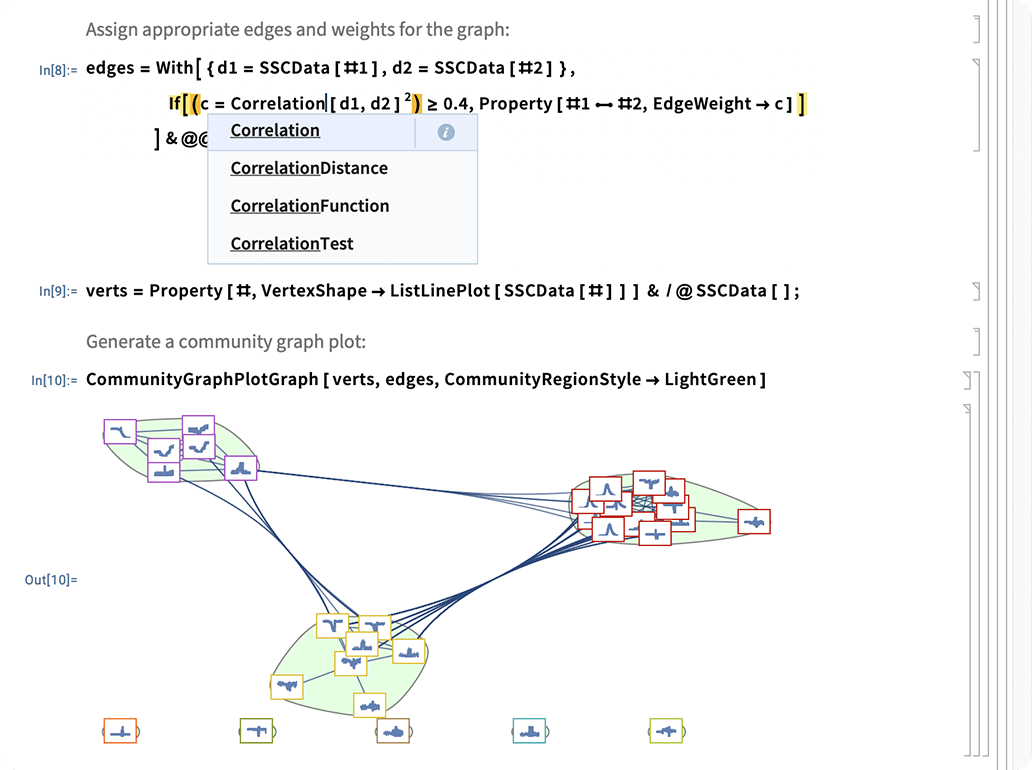
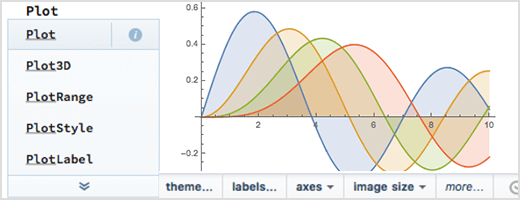
Wolfram Notebooks include a range of user interface tools for code completion, image editing and vector graphics, as well as high-level documentation. Chat Notebooks provide interactive access to LLMs for ease of code creation.
Dynamic deployments
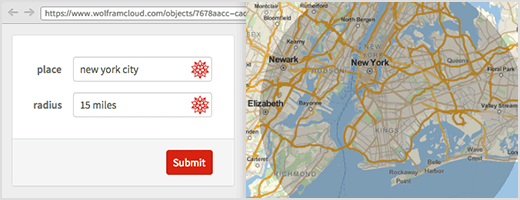
Published documents are fully interactive and editable, driven by real-time computation instead of pre-computed results. Interactive elements of online notebooks, forms and webpages work with no extra effort.
Modular workspace
Conveniently access and interact with documents, packages, utilities, data and other essential elements of your workflow in a single unified system.
One-click launch
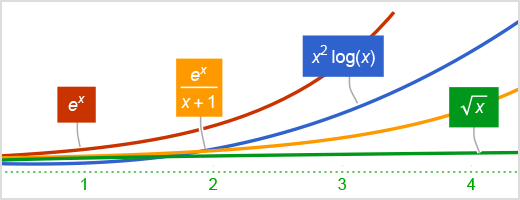
All Wolfram Notebook interfaces—desktop, web, mobile, embedded—are integrated and ready for immediate computation, with no need to configure compilers, servers or other external systems.
Consistent user experience
Computational notebooks work the same on all desktop platforms and in the cloud and we continue to maintain backward compatibility for reliable and effective long-term usage.
Using Wolfram Notebooks


Build interactive reports and live dashboards
(business intelligence, data science, system administration, marketing, engineering, finance)
Automate content creation
(websites, emails, reports, invoices)
Publish computable documents
(essays, lessons, journal articles, books)
Give live presentations
(keynotes, lectures, lightning talks, demos)
Code applications interactively
(livecoding, scripting, AI Assistant, exploratory programming)
Create quick prototypes
(engineering, hackathons, model development, unit testing)
Manage group workflows
(team coding, cluster computing, codebase management)
Learn computational thinking
(natural language programming, guided examples, AI Assistant, code challenges)
Wolfram Notebook Resources
Get immediate access to Wolfram Notebooks in the cloud and learn more about how to get started.
Wolfram Cloud
Start using Wolfram Notebooks free, online, right now.
Wolfram AI Assistant
All-in-one AI assistance for your Wolfram experience.
Wolfram|Alpha Notebook Edition
The simplicity of Wolfram|Alpha with the computational capabilities of Mathematica.
Content Development & Publishing
Create and publish interactive, computable content with Wolfram's unique computational intelligence platform.
Presenter Tools
New features for making great interactive presentations.
Documentation
An introduction to the basic aspects of Wolfram Notebooks.
Wolfram U
Get a quick video introduction to notebooks.
Mobile Player
Work on the go with your devices and the iOS app.
Demonstrations
Over 13,000 ideas brought to life from education, research and industry.
Wolfram Notebook Archive
Live, interactive, computational notebooks available to everyone and preserved in perpetuity.
Wolfram User Interfaces
Create interactive graphical user interfaces.